
Not Just CLASSROOMS but... Workshops for LEARNING
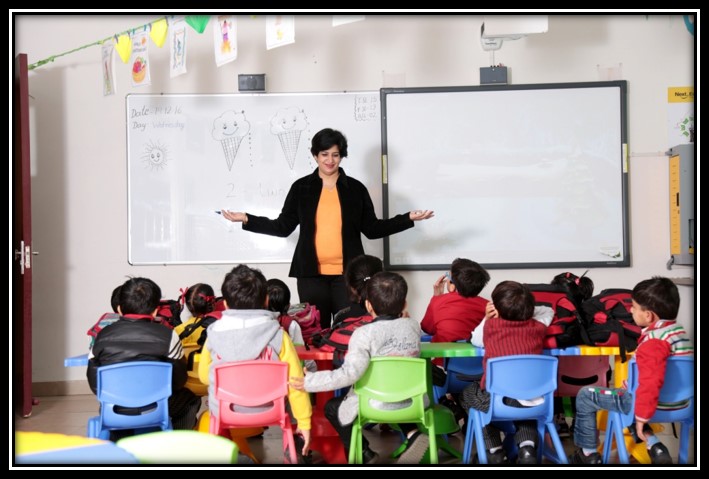
These are 21st Century classrooms! Here teachers are the facilitators of students learning and creators of productive classroom environment which nurture development of multiple skills and competencies. The teachers create a learning ambience that allows each child to grow intellectually with conceptual understanding and higher order thinking skills.
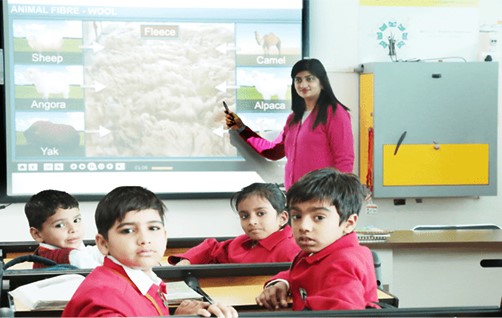
Interactive Smart Boards in Classes
The presiding members in the Goenkan Classroom are the Interactive white boards used in GDGPS as a replacement for traditional white boards or flip charts. They provide ways to show students everything which can be presented on a computer’s desktop (education software, web sites and others) in an actual working setting. In addition interactive whiteboards allow teachers to record their instructions and post the material for review by students at a later time. This is a very effective instructional strategy for students who are absent from school, for students struggling while learning, and for review work during examinations.
- Creative video files to teach a software application, a lesson, or as a review to be posted to the server on the web.
- Use the built-in maps to teach continents, oceans, countries, or states and capitals.
- Showcase presentations created by students or teacher.
- Have students create e-folios including samples of their work and narration. Digital storytelling.
- Take notes directly into Power Point presentations.
- Reinforce skills using on-line interactive web sites.
- Creating a project calendar.
- Illustrate and write a book
- Use the record feature to narrate the text.
- Use the Inter write software to create lessons in advance at home or at school. Then save them for future use or share with other teachers.
- Diagramming activities.